Ready-to-run flows for real image production jobs.

Each template is built from supported BatchTool steps and tuned for a common export scenario. Run it immediately, then open the editor only when you need to adjust the recipe.

Product Listing Image Pack workflow preview
Marketplace

Product Listing Image Pack

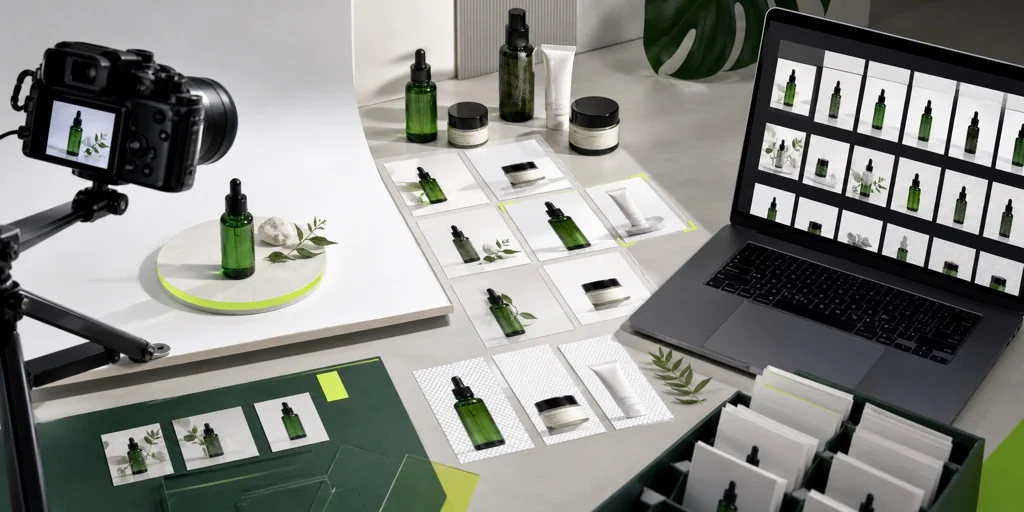
Remove busy backgrounds, place products on a white 2000x2000 canvas, and export marketplace-friendly JPEG files.

  1. Choose Images
  2. Remove Background
  3. Fit 2000x2000
  4. Export JPEG
Campaign Review Export workflow preview
Social Review

Campaign Review Export

Resize creative assets into a 1080x1350 portrait frame, add a small campaign tag, and compress JPEG files for fast review sharing.

  1. Choose Images
  2. Resize 1080x1350
  3. Add campaign tag
  4. Compress JPEG
Web Page Image Optimizer workflow preview
Website Assets

Web Page Image Optimizer

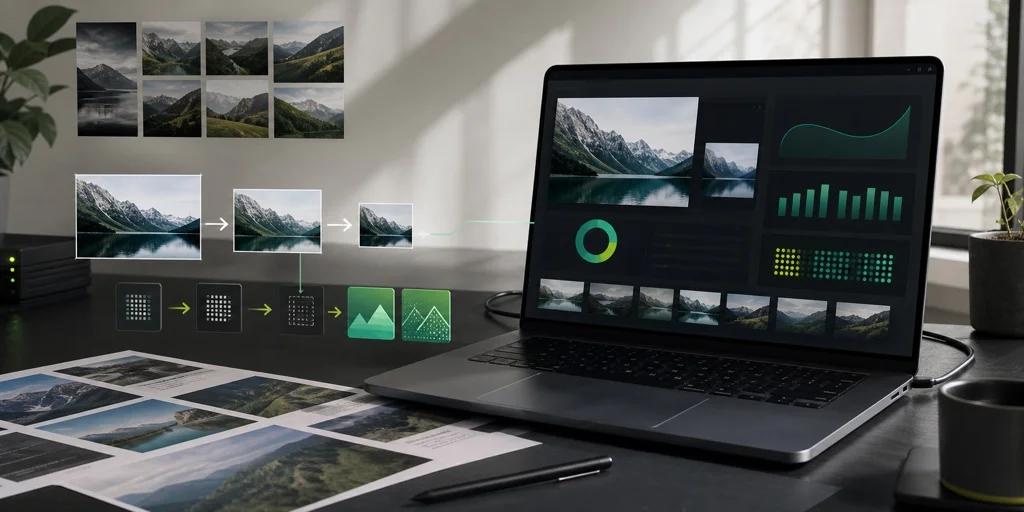
Resize oversized page images to a practical maximum width, then export compressed WebP files for landing pages, blogs, and article media.

  1. Choose Images
  2. Resize max 1600px
  3. Compress WebP

Need something custom?

Start from a blank canvas and compose your own flow from supported source, resize, compress, and convert steps.