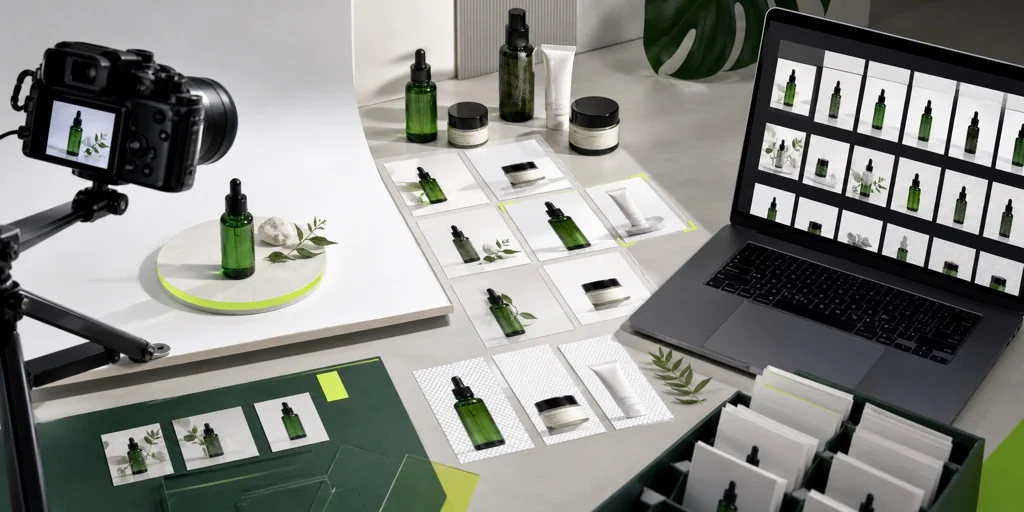
Product Listing Image Pack
Remove busy backgrounds, place products on a white 2000x2000 canvas, and export marketplace-friendly JPEG files.
Convert, compress, resize, and remove backgrounds from image batches with privacy-friendly tools that run on your device.
Start with a tool
Remove backgrounds locally and export transparent PNGs or one ZIP.
Drop images, or click to choose

Remove busy backgrounds, place products on a white 2000x2000 canvas, and export marketplace-friendly JPEG files.
Start with a single browser-based tool, use a production template, or build a saved workflow for recurring image jobs.
Compress, resize, convert, crop, watermark, OCR, upscale, or clean up a background from a focused workspace.
Choose the steps, preview results, save the workflow, and run large batches without sending files anywhere.
E-commerce, social, and website presets give teams a consistent export standard in seconds.
Yes. BatchTool offers free browser-based image tools for common production tasks such as compression, resizing, conversion, cropping, OCR, and background removal.
Yes. You can run batch image jobs from focused tools or use workflow templates when a job needs the same steps applied to many images.
Yes. The workflow builder lets you combine steps like resize, compress, convert, remove background, and export into a reusable production flow.
No. BatchTool works in your browser and keeps files on your device. There are no required uploads and no waiting for files to be sent to a server.
BatchTool supports common formats like JPG, PNG, WebP, and AVIF for everyday image work.
Yes. You can save a custom workflow, share it with teammates, and bring it back into the editor whenever you need it.